Description
MT580P Thermal Printer Driver Download & Installation Service
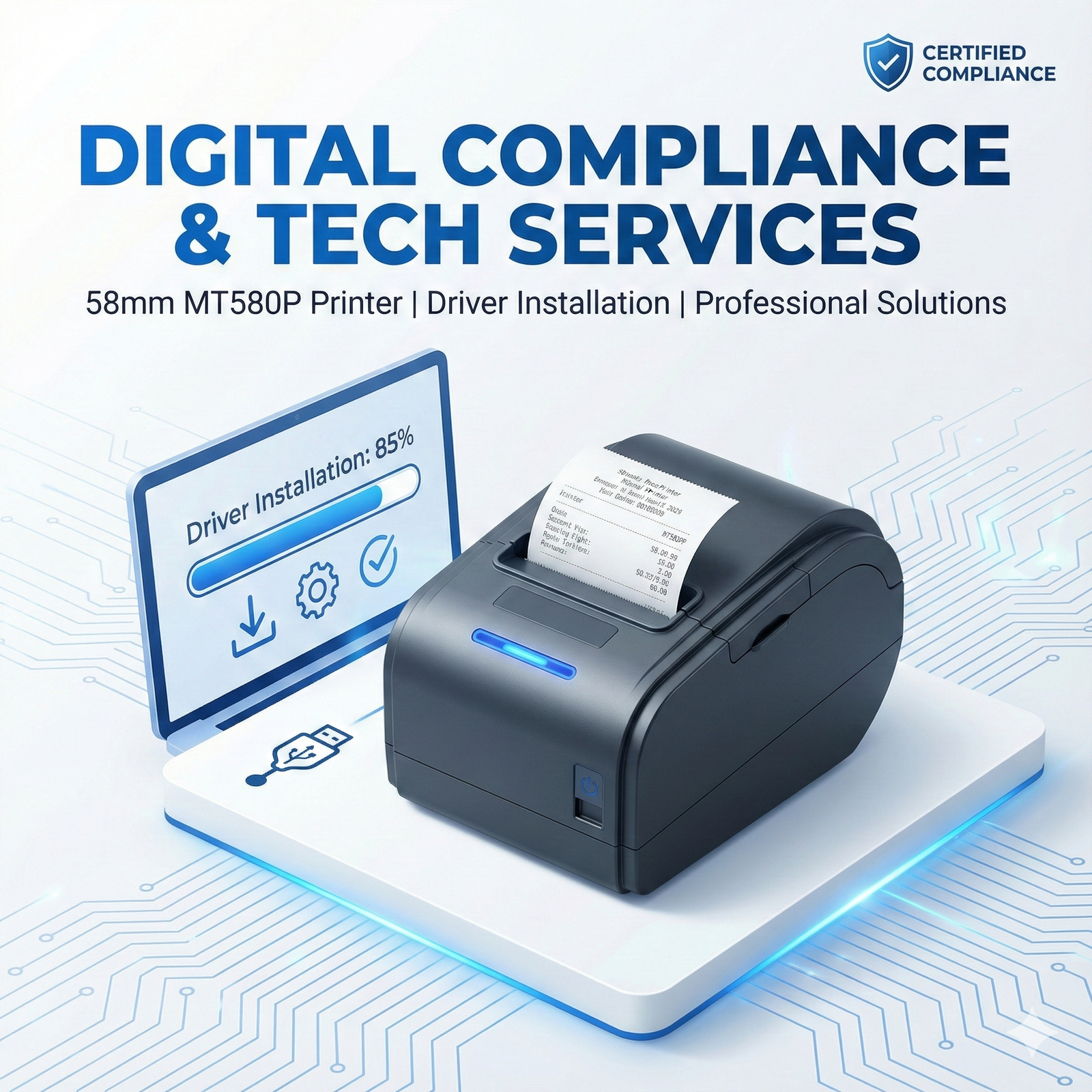
The MT580P 58mm Thermal Printer is widely used for AEPS slips, mini ATM receipts, KYC printing, recharge bills, and POS applications. If your MT580P printer is not printing properly, not getting detected, or showing driver errors, our experts will download the correct driver, install it, configure ports, and ensure smooth printing.
Our service includes professional remote installation support, solving all common issues like Bluetooth pairing errors, USB not detected, incorrect paper size, faded prints, and driver misconfiguration.
⭐ Benefits
100% correct & compatible driver installation
Works for MT580P USB & Bluetooth models
Fixes printer not detected / no print issues
Correct page size configuration (58mm)
Fast setup for AEPS, POS & Retail use
Complete remote support via TeamViewer/AnyDesk
Smooth receipt printing without formatting errors
🔧 How the Process Works
Place your order online
Share TeamViewer or AnyDesk ID
Our technician will:
Download the correct MT580P driver
Install & configure USB/Bluetooth
Set correct COM port
Configure 58mm paper size
Perform print test
You receive a fully working printer, ready for AEPS/Seva/SaaS applications.
🏆 Why Choose Us?
Professional device installation team
Fast 5–10 minute setup
Compatible with Windows 10 & 11
Zero downtime for your business
Trusted by CSPs, BC Agents & businesses across India
Guaranteed working setup
📌 Key Features / What’s Included
MT580P driver download
Driver installation & setup
USB/Bluetooth configuration
COM port mapping
AEPS & POS printing setup
Paper size configuration (58mm)
Troubleshooting & error fix
Final test print verification
📌 Documents Required
No documents needed.
Only Windows system access (AnyDesk / TeamViewer).
📌 Who Should Use This Service
CSP & Banking Correspondents
Jan Seva Kendra / Digital Seva users
AEPS service providers
POS billing operators
Retail shops & recharge centers
Any user of the MT580P 58mm thermal printer
📌 FAQs
1. What is included in this service?
Driver download, installation, configuration, and full testing.
2. Does this support both USB & Bluetooth printers?
Yes, we support both connection types.
3. How long does installation take?
Usually 5–10 minutes depending on system speed.
4. Which Windows versions are supported?
Windows 10 & Windows 11 (64-bit recommended).
5. What if the printer still does not print?
We troubleshoot until it works. If the hardware is faulty, we inform you.
6. Do you provide remote support?
Yes, via TeamViewer or AnyDesk.
7. Do you provide the printer driver file after installation?
Yes, we provide the driver folder for future use.
8. Is this service refundable?
Refund is provided only if service is not delivered.